The Best Travel Apps for Your Phone
We’ve all been there: you’re standing in the middle of a crowded terminal or a rain-slicked street in a city where you don’t speak a word of the language, and suddenly, your phone feels like a useless brick. There is nothing quite as soul-crushing as realizing you’ve lost your map, your translation tool, or your ride connection all at once. Navigating the chaos of international travel shouldn’t feel like a constant battle against your own technology, but without the right essential travel apps tucked into your home screen, you’re basically flying blind. It’s the difference between a seamless adventure and a total logistical meltdown.
I’ve spent years making every possible mistake so you don’t have to, and I’ve finally narrowed down the digital toolkit that actually works when things go sideways. I’m not going to bore you with a list of every mediocre utility on the App Store; instead, I’m sharing the five heavy hitters that I personally refuse to board a plane without. By the time you finish reading this, you’ll have a curated, high-performance setup that will save your sanity and keep your trip moving exactly the way it was meant to.
Table of Contents
The Offline Lifesaver
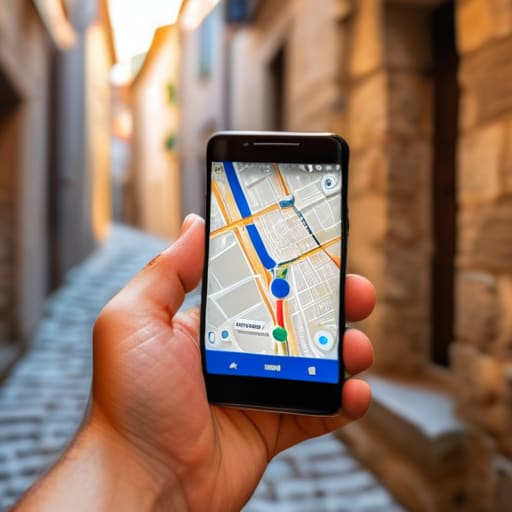
Look, nothing kills a vibe faster than wandering around a cobblestone alleyway in a foreign city, staring at a spinning loading icon because your data decided to quit on you. That is exactly why Google Maps is non-negotiable. Before you even leave your hotel, you need to download the offline maps for your entire destination area. It feels a little redundant until you’re standing in a dead zone, but it is the only way to ensure you don’t end up accidentally walking into a different time zone because you couldn’t find the way back.
Your Pocket Translator
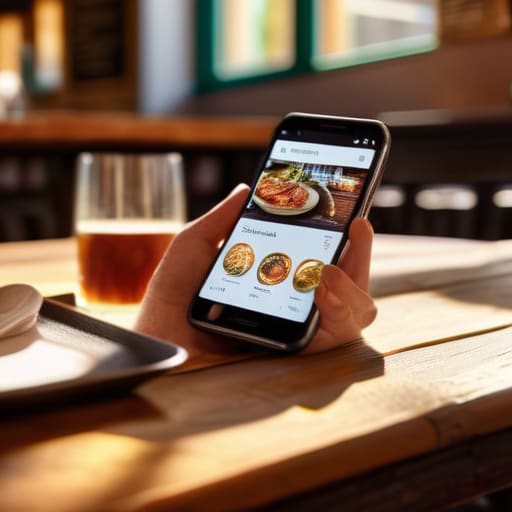
There is a specific kind of panic that sets in when you’re trying to order food and the waiter is looking at you like you’re speaking Martian. While learning a few basic phrases like “please” and “thank you” is essential for politeness, you’re going to hit a wall eventually. Google Translate is your secret weapon for those moments when the menu looks like a collection of abstract art rather than a list of delicious meals.
The Budget Guardian
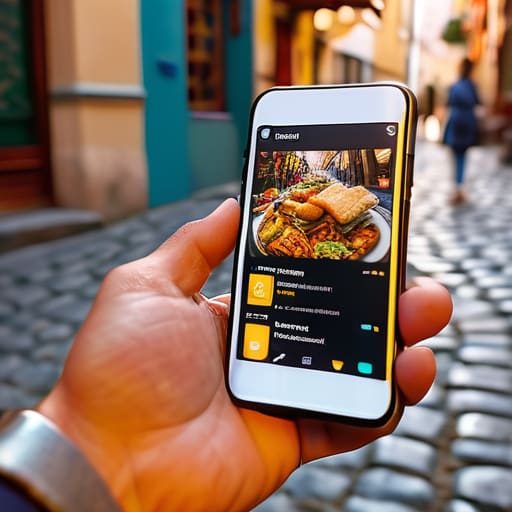
And honestly, if you’re anything like me, the biggest headache isn’t the flight itself—it’s that mid-trip moment where you realize you’re starving and have zero clue where to find anything decent. I’ve learned the hard way that wandering aimlessly through a foreign city looking for a menu is a total time-sink, so I’ve started leaning on whatsyourcrave to do the heavy lifting for me. It’s become my secret weapon for sniffing out the best local eats without having to deal with the tourist traps that usually end up being a massive disappointment.
We’ve all been there: you’re having the time of your life, sipping cocktails by the Mediterranean, and then you check your bank app to realize you’ve accidentally spent your entire month’s rent in three days. Travel is expensive, and it is incredibly easy to lose track of small purchases that add up to a massive headache. That’s where Splitwise comes in to save your sanity (and your friendships).
The Ride-Hailing Essential
Trying to negotiate a price with a local taxi driver in a language you don’t speak is a recipe for a stressful afternoon. It’s a mental drain you just don’t need when you’re trying to enjoy your vacation. Apps like Uber or Grab (depending on where in the world you’re landing) take the guesswork out of the equation by standardizing the price before you even step into the car.
The Digital Vault
I hate to be the bearer of bad news, but things can go sideways. A lost passport, a stolen wallet, or a smashed phone can turn a dream trip into a nightmare in seconds. Having a dedicated way to store your crucial documents digitally is the best insurance policy you can carry. I’m talking about scans of your passport, travel insurance details, and even your vaccination records.
The Bottom Line
Don’t wait until you’re standing in a crowded terminal with spotty Wi-Fi to download these; get them set up while you’re still on your home network.
Tech is a lifesaver, but it isn’t foolproof—always keep a screenshot of your most vital info (like booking confirmations) in case your data decides to quit on you.
The goal isn’t to spend your whole trip staring at a screen, but to use these tools to handle the logistics so you can actually focus on the destination.
The Modern Traveler’s Reality
“Let’s be real: your passport gets you across the border, but your phone is what actually gets you through the day without a total meltdown.”
Writer
Go Forth and Explore
At the end of the day, these apps aren’t about staring at your screen while you’re supposed to be looking at a cathedral or a mountain range. They are about removing the friction that usually turns a dream trip into a logistical nightmare. Whether you’re using a translator to navigate a local market, keeping your budget in check, or ensuring you don’t get lost in a foreign subway system, these tools act as your digital safety net. Once you have your essential toolkit set up and your offline maps downloaded, you can stop worrying about the “what ifs” and actually start focusing on the “where to next.”
Travel is supposed to be unpredictable, and honestly, that’s where the best stories come from. Don’t let a fear of missing a train or a language barrier keep you from stepping off the beaten path. Use this tech to handle the boring stuff so you can leave plenty of room for the unexpected magic that only happens when you’re truly immersed in a new culture. Pack your bags, charge your phone, and get out there—the world is a whole lot bigger than your comfort zone, and it’s waiting for you to show up.
Frequently Asked Questions
Do I really need to download all of these before I leave, or can I just grab them on airport Wi-Fi?
Look, I get it—you’re trying to save precious storage space. But seriously? Do not wait until you’re sitting at a gate with spotty airport Wi-Fi to do this. There is nothing more soul-crushing than trying to pull up a boarding pass or a translation tool only to watch a loading circle spin for five minutes. Download everything while you’re still on your home network. Get them set up, test them out, and breathe easy.
How much extra data am I going to burn through using these while I'm out exploring?
Look, if you’re just using these for quick lookups or checking a map every now and then, you won’t even notice a dent in your data. But if you’re downloading massive offline maps or streaming high-def video on the fly, you’ll hit that cap faster than you think. My pro tip? Download everything while you’re on the hotel Wi-Fi. Use the data for the actual exploring, not for the heavy lifting.
Are there any specific apps that are better for budget travelers versus people who want a bit more luxury?
Honestly, it’s all about how much you’re willing to sweat. If you’re on a shoestring budget, you need the heavy hitters like Hostelworld or Skyscanner to hunt down those “oops, that’s actually cheap” deals. But if you’ve got a little more wiggle room, skip the dorms and lean into apps like TripIt for seamless itinerary management or even some high-end dining reservation tools. It’s less about the tech and more about how you want to spend your cash.